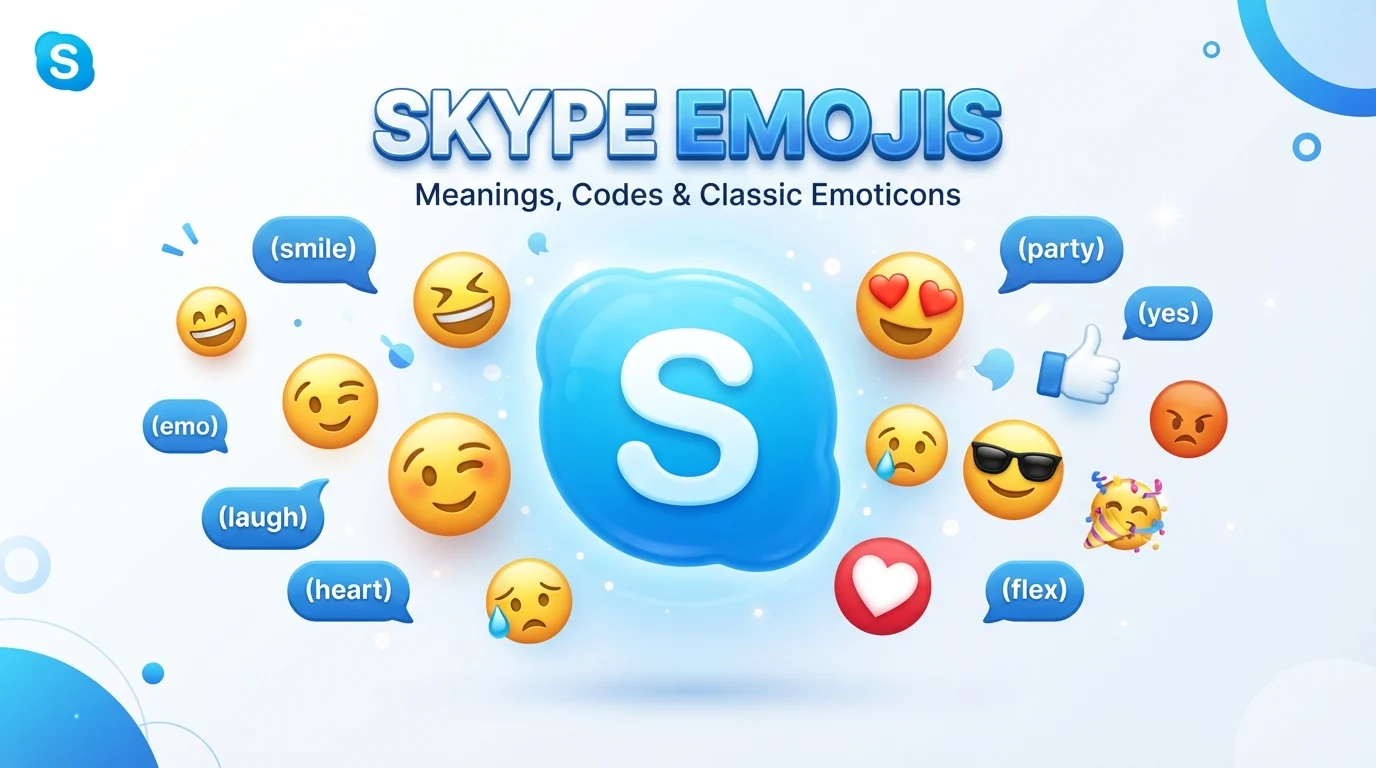
Skype emojis were one of the most recognizable parts of Skype messaging. They allowed people to express happiness, sadness, laughter, love, surprise, frustration, and many other feelings without writing a long explanation. Unlike ordinary Unicode emojis, Skype also became famous for its own animated emoticons and special text shortcuts.
There is one important update for anyone searching for Skype emojis in 2026: Microsoft retired consumer Skype on May 5, 2025. Microsoft recommends moving to Microsoft Teams Free, where Skype contacts and chats can be transferred when users sign in with their Skype credentials.
Even though the original Skype app is retired, its emoji and emoticon codes remain popular as a reference. Many people still search for classic Skype smileys, Skype emoji codes, meanings, animated emoticons, and copy-and-paste symbols.
This guide explains what Skype emojis were, how Skype emoticons worked, popular codes and meanings, and what users should know today.
Quick Answer: What Are Skype Emojis?
Skype emojis are visual symbols and animated emoticons that were used in Skype chats to express emotions, reactions, objects, actions, and ideas.
Skype historically supported two main ways of expressing emotions:
- Standard Unicode emojis, such as 😀, ❤️, 👍, and 😂
- Skype-specific animated emoticons triggered by special text codes
For example, Skype users could historically type codes such as (smile), (party), or (beer) to trigger particular emoticons. Skype’s own emoticon system was different from the standard emoji set used across phones and computers.
Because Skype has now been retired, these codes should be viewed primarily as classic Skype emoticons and historical references, rather than instructions for using a currently supported consumer Skype application.
Skype Emojis vs. Skype Emoticons
The words “emoji” and “emoticon” are often used interchangeably, but they are not exactly the same.
An emoji is generally a standardized Unicode character. Examples include:
- 😀 Grinning Face
- 😂 Face With Tears of Joy
- ❤️ Red Heart
- 👍 Thumbs Up
- 😎 Smiling Face With Sunglasses
An emoticon traditionally uses characters or a platform-specific code to represent an emotion. Examples include:
- 🙂
- 😉
- 😀
- 🙁
- (smile)
- (party)
Skype became particularly well known for its proprietary animated emoticons. Its emoticon set had its own visual appearance and included characters and animations that went beyond ordinary Unicode emojis.
A Simple Comparison
| Feature | Standard Emoji | Classic Skype Emoticon |
|---|---|---|
| Example | 😀 | (smile) |
| Standardized by Unicode | Yes | No |
| Works across many apps | Usually | Depends on the platform |
| Animated | Usually not | Often was |
| Uses special Skype codes | No | Yes |
| Still useful as a reference | Yes | Yes |
This difference explains why copying an old Skype emoticon into another application could sometimes produce the text shortcode instead of the original graphic.
Popular Skype Emojis and Their Meanings
The classic Skype collection included many familiar emotions. Here are some of the most useful examples people commonly associate with Skype.
😀 Smile
The smile emoji represents happiness, friendliness, or a positive response.
It was useful for simple messages such as:
Thanks for helping me! 😀
A smile can make an otherwise short message sound warmer and more friendly.
😂 Laughing
The laughing face is used when something is genuinely funny.
Example:
That was the funniest story 😂
Skype historically included several laughing-related emoticons, including animated options.
😉 Wink
A wink can communicate humor, teasing, friendliness, or a playful attitude.
Example:
I already knew that 😉
The meaning can depend heavily on the surrounding message.
😢 Cry
The crying face usually communicates sadness, disappointment, or emotional distress.
Example:
I missed the event 😢
😎 Cool
The sunglasses face is commonly associated with confidence, being relaxed, or saying that something is “cool.”
Example:
Everything is ready for the trip 😎
😡 Angry
The angry face expresses frustration, irritation, or anger.
Example:
My computer stopped working again 😡
😘 Kiss
The kissing face can express affection, love, or a friendly goodbye depending on the conversation.
❤️ Heart
The heart is one of the simplest ways to communicate love, appreciation, support, or affection.
👍 Thumbs Up
The thumbs-up symbol usually means:
- Okay
- Yes
- Good
- Agreed
- Sounds good
- Approved
For example:
See you at 7 PM. 👍
Classic Skype Emoji Codes
One of the most interesting features of Skype’s old emoticon system was its use of shortcodes.
Instead of selecting an image manually, users could type a particular code into a chat. Skype could then recognize the code and display the corresponding animated emoticon.
Some well-known examples include:
| Skype Code | General Meaning |
|---|---|
(smile) | Smile |
(sad) | Sad |
(laugh) | Laugh |
(rofl) | Laughing intensely |
(cool) | Cool or confident |
(wink) | Wink |
(cry) | Crying |
(angry) | Angry |
(blush) | Blushing |
(kiss) | Kiss |
(heart) | Love or affection |
(brokenheart) | Broken heart |
(yes) | Yes or approval |
(no) | No or disagreement |
(ok) | Okay |
(party) | Celebration or party |
(beer) | Beer |
These examples are associated with Skype’s classic shortcode system. However, because consumer Skype was retired in 2025, users should not assume that every historical shortcode will work in a currently supported Microsoft application.
Why Were Skype Emoticons So Popular?
Skype emoticons became popular because they made ordinary text conversations more expressive.
A sentence such as:
Okay, I understand.
can feel neutral.
Adding a simple symbol changes the tone:
Okay, I understand. 🙂
This is especially useful in text communication because the reader cannot hear your voice or see your facial expression.
Skype’s animated emoticons went a step further. Instead of showing only a static character, some emoticons had distinctive animations and personalities.
This helped Skype conversations feel more casual and entertaining.
Skype Emoji Codes and Copy-and-Paste Symbols
People searching for “Skype emojis” may actually be looking for one of several different things.
They might want:
- Classic Skype emoticon codes
- Skype emoji meanings
- Skype smiley shortcuts
- Animated Skype emoticons
- Unicode emojis that can be copied and pasted
- Old Skype emoji lists
- Skype keyboard shortcuts
These are related, but they are not identical.
If you simply want an emoji that works in modern messaging applications, Unicode characters are generally the easiest option.
For example:
Happy: 😀 😃 😄 😊
Laughing: 😂 🤣
Love: ❤️ 🥰 😍
Sad: 😢 😭 😔
Angry: 😠 😡 🤬
Surprised: 😮 😲 😱
Approval: 👍 👌 🙌
Celebration: 🎉 🥳 🎊
You can copy these characters directly into many modern apps.
What Happened to Skype Emojis After Skype Was Retired?
This is an important point for people searching for Skype emojis today.
Microsoft retired consumer Skype on May 5, 2025. The retirement affected free and paid consumer Skype users, while Skype for Business was treated separately. Microsoft directed users toward Microsoft Teams Free.
According to Microsoft, users can sign in to Teams Free using their Skype credentials, and their contacts and chats can automatically transfer.
This means that searches for “Skype emojis 2026” can be confusing. A website may show a large collection of classic Skype emoticons, but that does not necessarily mean the original Skype application is still available for normal consumer use.
The safest approach is to treat classic Skype emoji lists as a reference for the old Skype messaging experience and use a currently supported messaging platform for everyday communication.
Are Skype Emojis the Same as Microsoft Teams Emojis?
Not necessarily.
Skype historically had its own emoticon artwork and shortcode system. Microsoft’s broader emoji ecosystem has also changed over time.
Emojipedia notes that Skype had a distinctive emoticon set and that some Skype emoticons were different from Microsoft’s system-wide emoji set. Some Skype emoticons were also unique and did not have exact Unicode equivalents.
Therefore, an emoji that looks familiar may not have exactly the same appearance or animation in another application.
This is one reason old Skype emoji lists can look different from modern emoji keyboards.
Common Skype Emoji Mistakes
1. Assuming every code is a standard emoji
A code such as (party) is not the same thing as a Unicode emoji.
It was a platform-specific Skype shortcode.
2. Expecting old Skype animations everywhere
Classic Skype animations were part of Skype’s own messaging system. Copying a shortcode into another app does not guarantee that the animation will appear.
3. Confusing emoji with emoticons
😀 is an emoji character.
🙂 is a traditional text emoticon.
A Skype-specific code such as (smile) belongs to a different system.
4. Assuming Skype is still an active consumer app in 2026
This is the biggest current misunderstanding.
Consumer Skype was retired on May 5, 2025. If you are looking for a current Microsoft messaging solution, Microsoft Teams Free is the relevant successor for many former Skype users.
How to Choose the Right Emoji
The best emoji depends on the meaning and relationship between the people chatting.
For friendly conversations, these are usually safe choices:
- 🙂
- 😊
- 👍
- 😄
- 😂
For excitement:
- 🎉
- 🥳
- 🤩
- 🔥
Affection:
- ❤️
- 🥰
- 😍
- 😘
For uncertainty:
- 🤔
- 😕
- 😐
For disappointment:
- 😔
- 😢
- 😞
Remember that emojis can have different meanings depending on culture, age group, and context. A symbol that seems playful to one person may seem sarcastic or serious to another.
Tips for Using Emojis Naturally
You do not need an emoji in every sentence.
A few practical rules can make messages easier to understand:
- Use emojis to support your message rather than replace important information.
- Avoid sending a large wall of repeated emojis.
- Be careful with emojis in professional conversations.
- Consider the relationship you have with the person.
- Remember that emoji designs can look different across devices.
- Use standard Unicode emojis when you need better compatibility across applications.
- If an old Skype shortcode does not work, use the equivalent Unicode emoji instead.
For example, instead of relying on a historical Skype shortcode for a happy reaction, you can simply use 😊 or 😀.
Why Old Skype Emoji Lists Are Still Useful
Even though Skype has been retired, old Skype emoji collections remain interesting for several reasons.
They document an important period in the history of online communication. Skype was one of the platforms that helped make expressive digital conversations mainstream.
Its animated emoticons also influenced how people thought about communicating emotions through text.
Some classic Skype emoticons were unusual, humorous, or highly recognizable. That is why people still search for their names and codes years after the original service was retired.
For collectors, researchers, former Skype users, and people who simply remember the old chat experience, these lists provide a useful record.
Frequently Asked Questions About Skype Emojis
1. What are Skype emojis?
Skype emojis generally refers to the emojis and animated emoticons historically available in Skype chats. Skype used both standard Unicode emojis and its own platform-specific emoticon system.
2. Is Skype still available in 2026?
No. Microsoft retired consumer Skype on May 5, 2025. Microsoft recommends Microsoft Teams Free as the main migration option for former Skype users.
3. What were Skype emoticon codes?
Skype emoticon codes were special text shortcuts that could trigger particular Skype emoticons. Examples historically included (smile), (party), and (beer).
4. What is the difference between Skype emojis and normal emojis?
Normal emojis are generally Unicode characters designed to work across different systems. Classic Skype emoticons included Skype-specific artwork and shortcodes that were designed for Skype’s own messaging environment.
5. Can I still use old Skype emoji codes?
Because consumer Skype was retired, old codes should not be considered a current supported Skype feature. Some historical code references may also appear in other Microsoft or third-party contexts, but behavior can vary.
6. Can I copy Skype emojis into other apps?
If the symbol is a standard Unicode emoji, you can usually copy and paste it into compatible applications. A proprietary Skype emoticon shortcode may simply appear as text in another application.
7. What replaced Skype?
Microsoft Teams Free is Microsoft’s recommended destination for many former consumer Skype users. Signing in with Skype credentials can transfer contacts and chats automatically.
8. Where can I find the old Skype emoji list?
Several online emoji reference sites preserve historical Skype emoticons and their meanings. These are useful for identifying old codes, but they should not be confused with an active consumer Skype application.
Conclusion
Skype emojis were much more than simple smiley faces. The platform developed a distinctive collection of animated emoticons, text shortcuts, and expressive symbols that became a memorable part of online chatting. From simple smiles and winks to celebrations and unusual animated characters, Skype gave users many ways to add emotion to text conversations.
Today, however, it is important to understand the difference between the classic Skype emoji collection and a currently supported messaging service. Microsoft retired consumer Skype on May 5, 2025, and directs users toward Microsoft Teams Free. Classic Skype emoji codes are therefore best treated as a useful historical reference, while standard Unicode emojis remain the simplest choice for copying symbols into modern apps.

I am Freddie James, the Administrator of SynonBox. I enjoy exploring language, improving vocabulary, and helping readers discover clear and useful synonyms for everyday writing. I aim to make word choices simple, accurate, and easy for everyone.